












How to Translate and Summarize a Web Page with AI in Aye
Direct answer: Open the page in Aye, keep that tab active, then choose Translate and Summarize Page from Quick Launch. The task starts from the active page, identifies its main language, translates the core content into English when needed, and asks the AI to return a translation, a concise summary, and notes about context or source limits.
Disclosure: This guide is written by the Aye team and describes Aye's current page-reading workflow. It is not an independent product review.
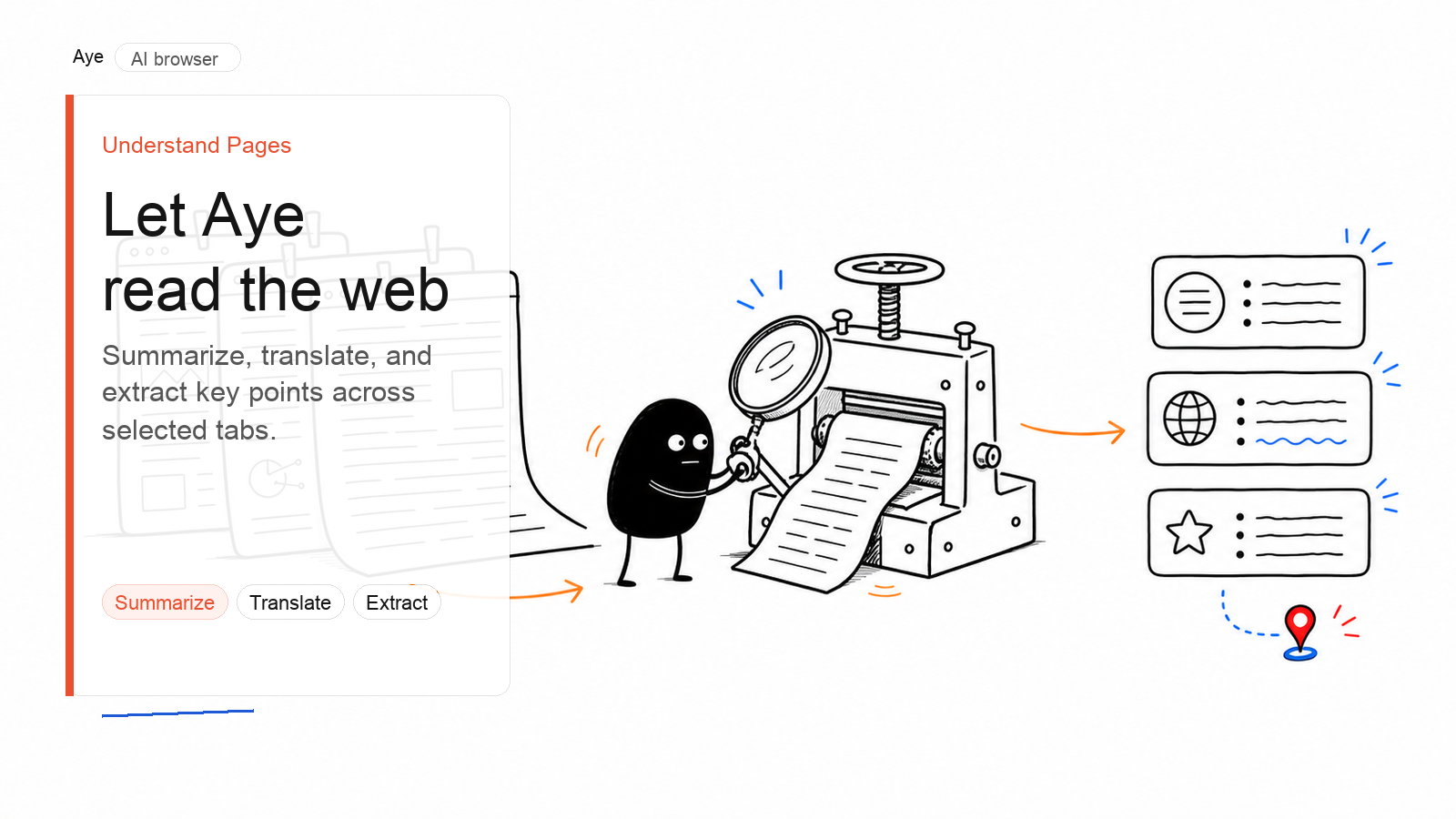
Translate and summarize a web page in Aye
1. Open the page you want to understand
Open the article, product page, documentation, or other web page in Aye. Make sure the content you need is loaded and that your current browser session is allowed to access it.
If the site requires a sign-in, complete it yourself. Aye does not bypass sign-in, CAPTCHA, paywalls, or other access controls.
2. Keep the target tab active
Quick Launch currently starts a new task with the active page, so switch to the page you want to process before running the Skill.
If a task visibly includes additional selected pages, the Skill prompt is designed to handle those pages separately. Do not assume that every open browser tab is included automatically.
3. Run Translate and Summarize Page
Open Aye's AI panel and choose Translate and Summarize Page from Quick Launch.
If the shortcut is not present, open AI Skills, find Translate and Summarize Page, and choose Add to Quick Launch. This is a page-context Skill, so it is most useful after you have opened the page you want to read.
4. Review the three-part result
The Skill asks the AI to organize each page included in the task into three parts:
- Translation: a faithful English version of the core content, preserving important names, numbers, dates, quotations, and links. If the page is already in English, Aye keeps it in English and makes the wording clearer.
- Summary: a one-line overview followed by three to five key takeaways.
- Notes: important context, uncertainties, missing information, and limits in the available source material.
This structure makes it easier to separate what the page says from what still needs checking.
5. Check details that matter
Before relying on the result, compare important names, figures, dates, quotations, and links with the original page. For legal, medical, financial, academic, or business-critical material, treat the AI output as a reading aid rather than the final authority.
Can Aye summarize multiple tabs in one task?
The Translate and Summarize Page prompt is designed to process selected tabs one by one. However, Quick Launch begins with the current active page. A multi-page result is expected only when the other pages are visibly included in the task's selected-page scope.
Before relying on a multi-page answer, confirm that every intended source appears in that scope. If it does not, run the Skill separately on each page. For pages that are included, the prompt asks for a separate translation, summary, and notes rather than one undifferentiated answer.
This is useful when you need to:
- understand several foreign-language reports about the same event;
- review product or policy pages from different companies;
- turn a small set of research tabs into readable source notes; or
- check whether important numbers and claims differ across pages.
Select only the pages that belong to the task. A smaller, focused set is easier to review than a large group of loosely related tabs.
Should you use Translate and Summarize Page or Understand Page?
Choose Translate and Summarize Page when language is part of the problem. Its output focuses on the translated core content, a short summary, and notes about uncertainty or source limits.
Choose Understand Page when the page is already readable to you and you want more analysis. That Skill asks for a page explanation, key claims and supporting evidence, uncertainties and potential risks, followed by a concise page summary.
Both Skills are designed to work tab by tab when a task includes more than one selected page, but Quick Launch begins with the active page. The Skills answer different questions: one helps you cross a language barrier; the other emphasizes explanation and evidence.
What this AI webpage workflow does—and does not do
Aye produces a structured answer in the AI panel. It is not an in-place bilingual page renderer, and it does not replace every sentence on an entire website with translated text.
The result is based on the page content Aye can access from the pages included in the task. Very long pages, content that has not loaded, interactive views, or restricted material can leave gaps. The Notes section is designed to surface those limits, but it cannot guarantee that every omission or error will be detected.
AI translation and summarization can also flatten nuance or misread a source. Always return to the original page when exact wording, attribution, or context matters.
A quick review checklist
Before you use the result in a report, decision, or draft, check:
- Does the translated title match the original topic?
- Are people, companies, products, and places named correctly?
- Do numbers, dates, units, and currencies match the page?
- Are quotations clearly distinguished from the AI's explanation?
- Do the links still point to the sources described?
- Did the Notes section flag missing context or uncertain claims?
Frequently asked questions
Can Aye summarize several web pages at once?
The Skill prompt supports a selected-page scope and asks the AI to process included tabs one by one. Quick Launch starts with the active page, so first confirm that every intended source is visibly attached to the task. If it is not, run the Skill separately on each page.
Which language does Aye translate into?
In the English interface, Translate and Summarize Page translates non-English core content into English. If the source is already English, it keeps the content in English and organizes it for clarity. In the Simplified Chinese interface, the localized Skill translates non-Chinese core content into Chinese.
Does Aye translate the whole website?
No. The Skill works from the pages included in the current task and returns the core translation and summary in the AI panel. It does not crawl an entire site or rewrite the live page in place.
Is an AI webpage summary always accurate?
No. It can miss context, mistranslate a term, or over-compress a nuanced argument. Use the original page to verify consequential details.
Try Aye on a page you need to understand
Aye is available for Mac and Windows. Open the official Aye product page, install the desktop browser, and try Translate and Summarize Page on a page your current browser session is allowed to access.