



















Aye - AI intern in chrome browser

Chrome + Gemini, plus Adblock, Video Downloader etc
Price reduced to
Free
No Payment Now- Free to try

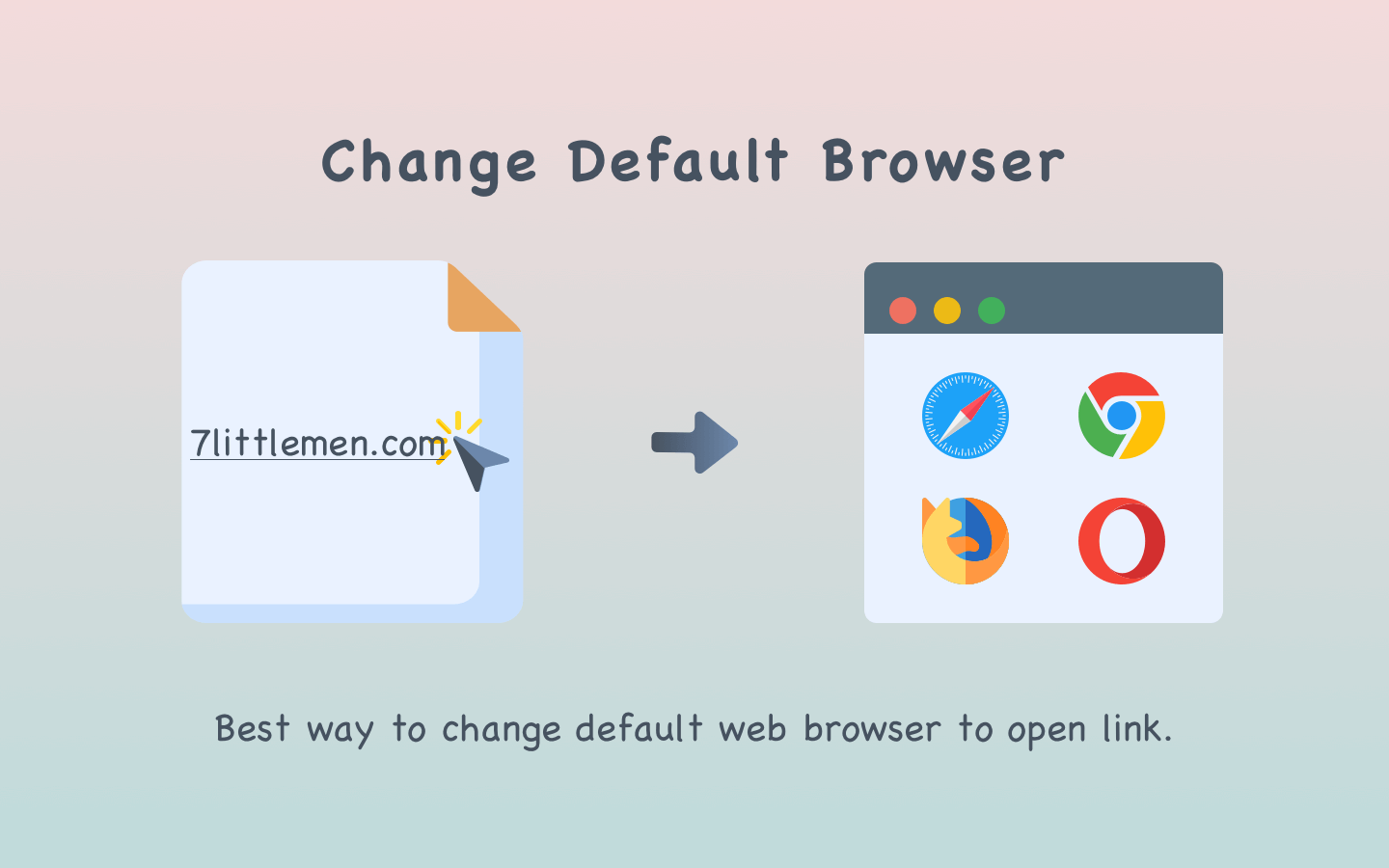
goBrowser for Mac lets you pick between the installed browsers and any client application which can open the URL. If you use more than one web browser, tired of opening links with your default browser? Try xBrowser for Mac. Usually, when you click on a link, it will be opened using the default browser. If you have multiple browsers installed on your systems, such as Safari, Chrome, Firefox, Opera, and others, changing the default browser is not an easy task. With goBrowser for Mac, you can quickly and easily choose which browser to use to open the link. goBrowser for Mac is the fast and best way to switch between the browsers you have installed.

Best way to change default web browser to open link.
Quick switch HUD help you switch browser with shortcuts to open link quickly.
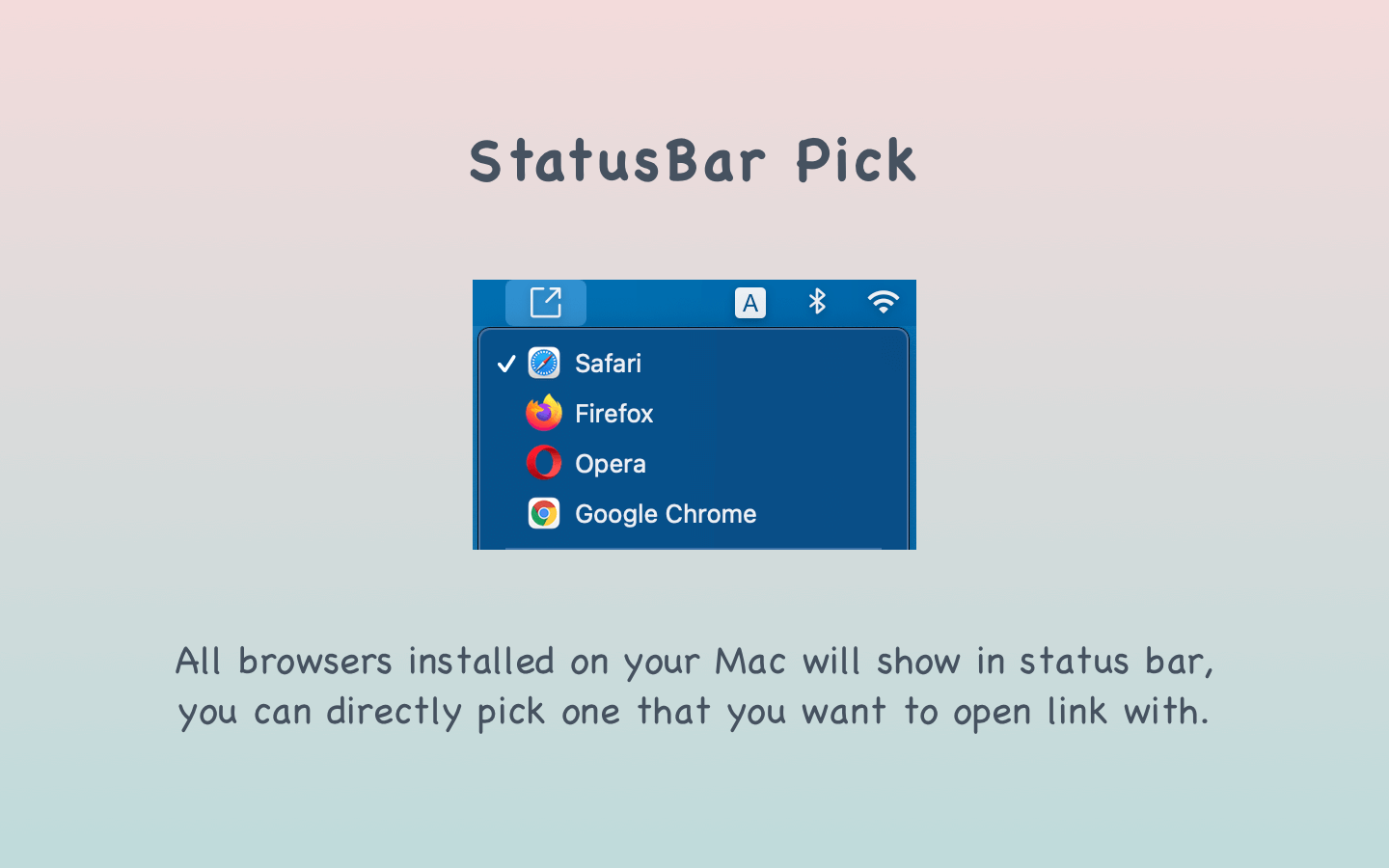
All browsers installed on your Mac will show in the status bar, you can directly pick one that you want to open link with.



Having my tabs in this way makes sense and is user-friendly. I could see anyone picking off where they were before by picking their tab from this layout. Very good idea!
Thanks for sharing
Having my tabs in this way makes sense and is user-friendly. I could see anyone picking off where they were before by picking their tab from this layout. Very good idea!